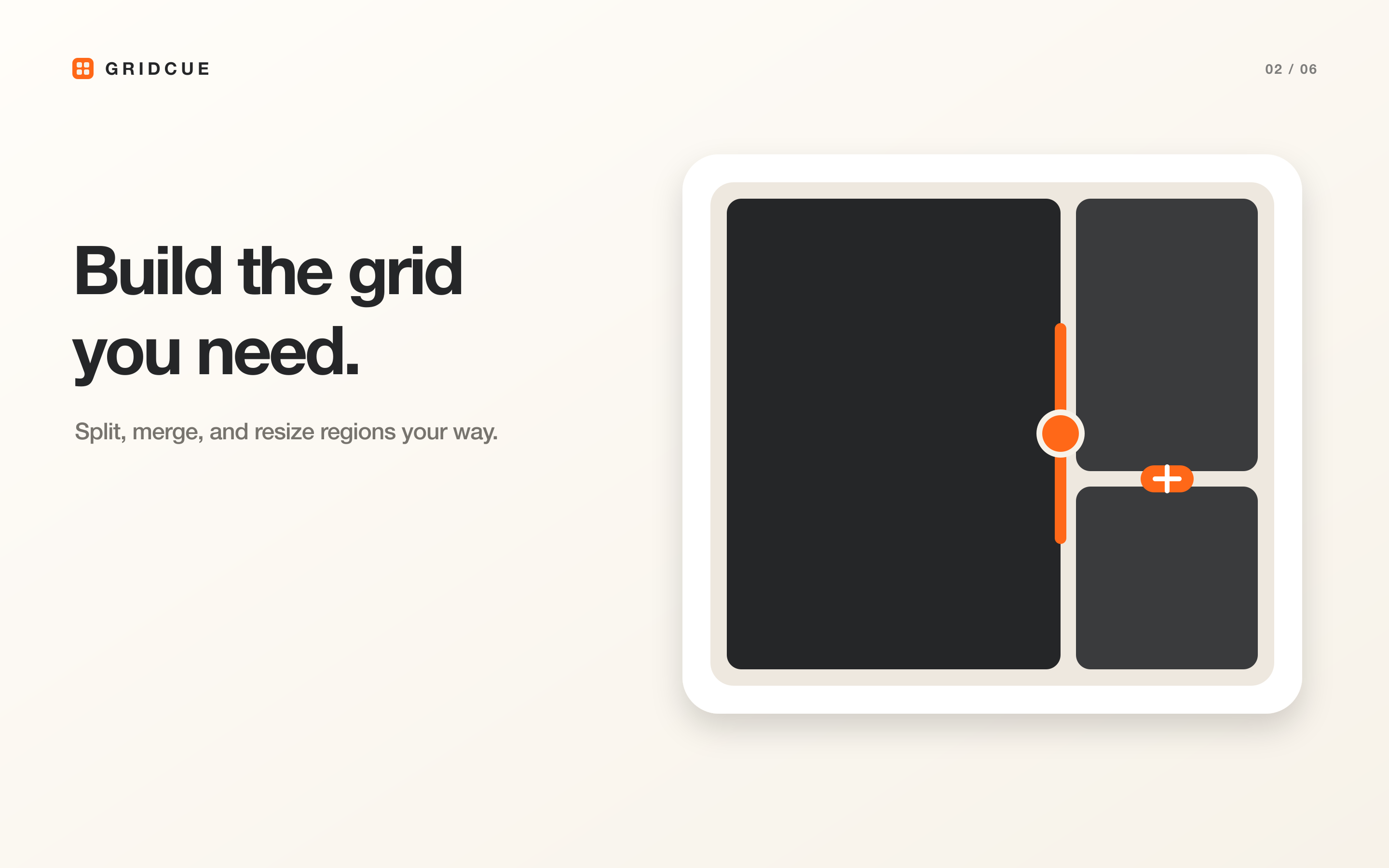
Build a grid
Choose a built-in grid or edit the regions to fit your work.

Arrange windows on a grid that fits your work, save each setup by project, and bring it back whenever you need it.
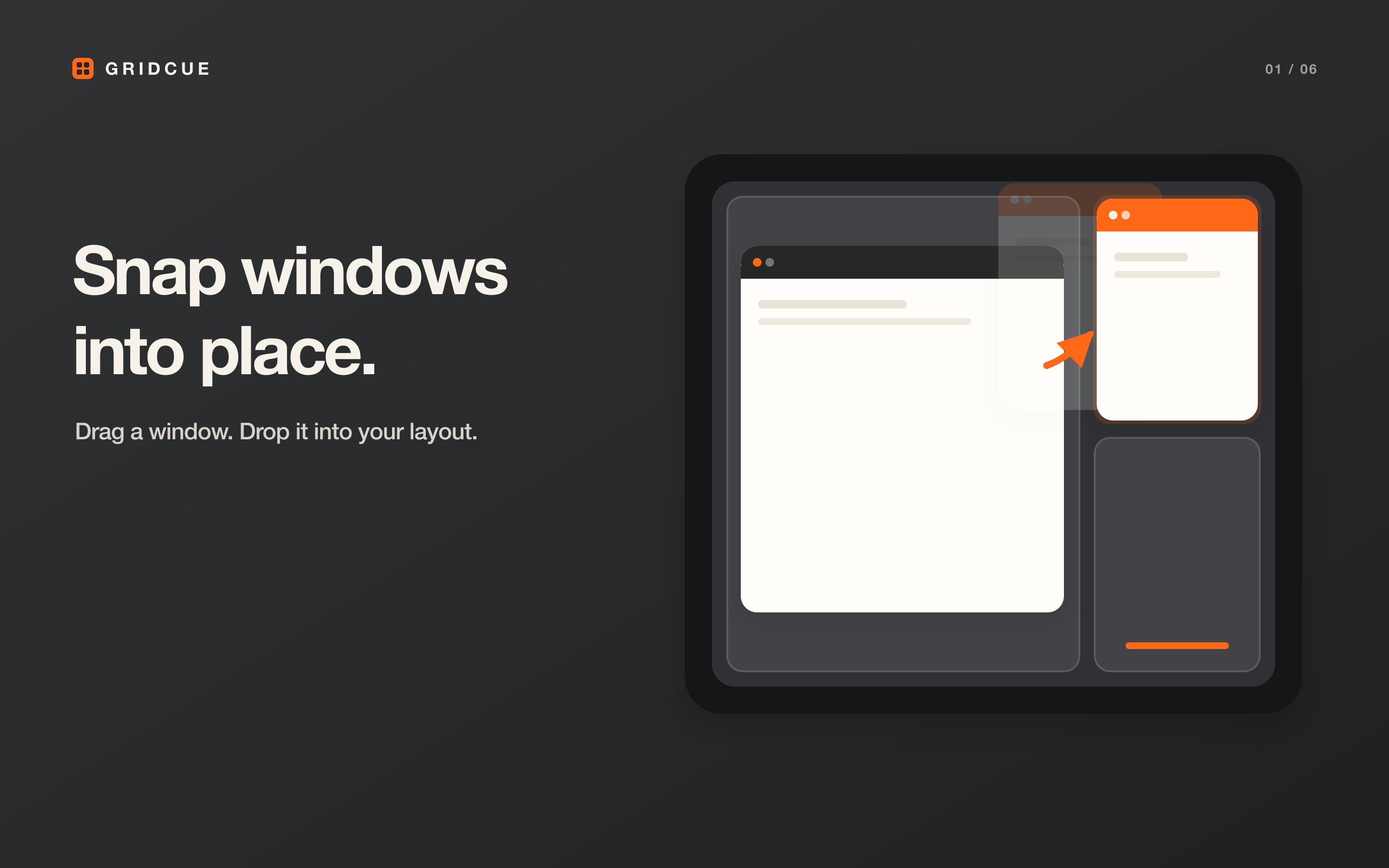
Bring back the window setup that works for you.
Features
Go beyond equal halves and quarters. Build a grid around the apps and displays you use every day.


Projects
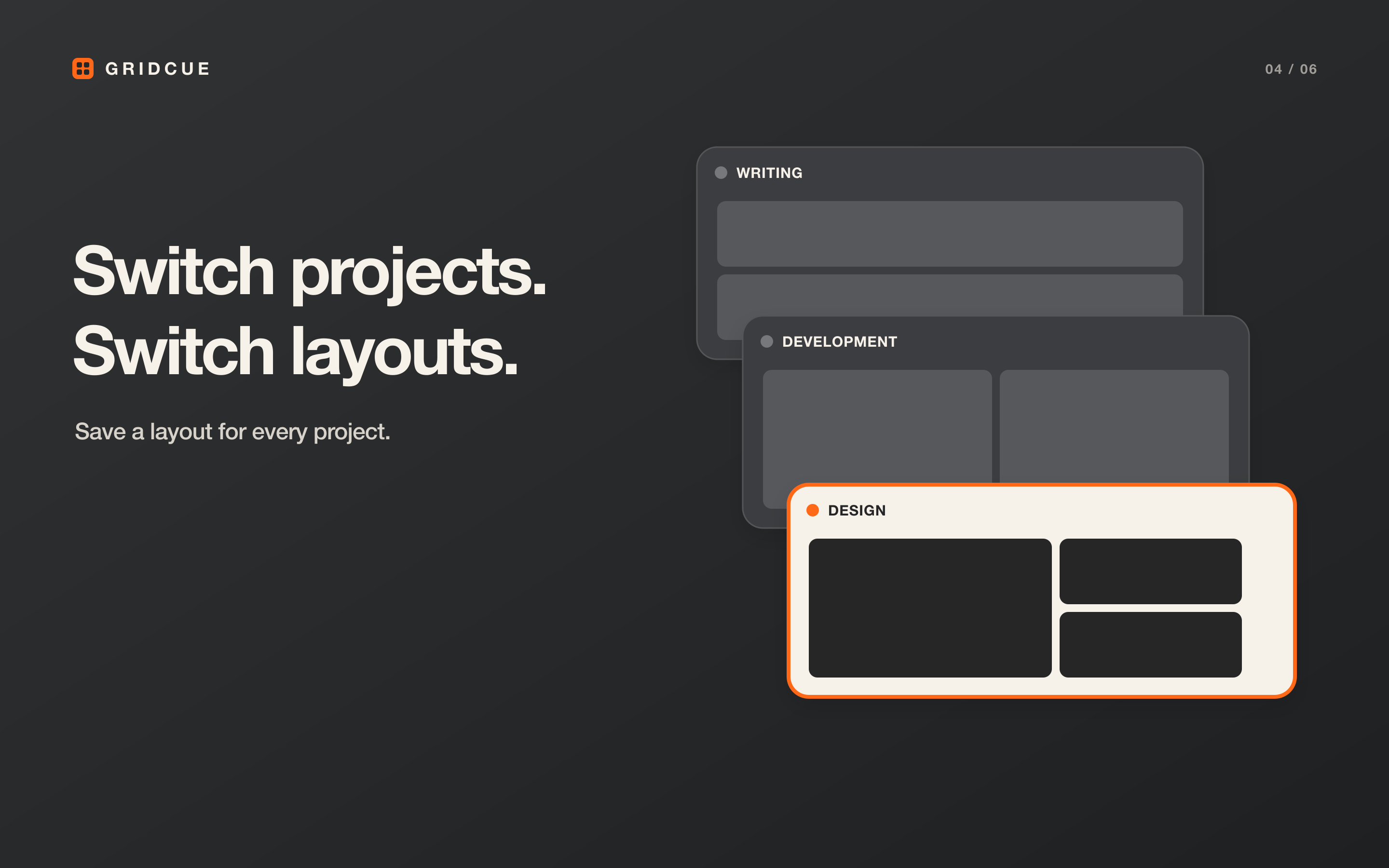
Keep the grid and window arrangement for each project together, so the workspace you need is always close at hand.
How it works
Choose a built-in grid or edit the regions to fit your work.
Record the open windows as a layout inside a project.
Bring the saved layout back from the menu bar or a keyboard shortcut.
For macOS
GridCue will be available in English and Japanese as a one-time purchase.